Trash & Notifications Panel
Slashit includes smart system tools that help you manage removed items and stay informed without disrupting your workflow. This article covers how the Trash system and Notification Panel work.
Trash Panel
Whether you delete a template, snippet, or magical command—Slashit doesn’t remove it immediately. Instead, everything moves to a central Trash area, so you can restore anything later if needed.
Where It’s Found:
- Right-hand side panel under the main sidebar menu.
What You’ll See:
-
A complete list of trashed items across all categories:
-
Templates
-
Magicals
-
Snippets
-
-
Items are grouped by type for easy review.
Available Actions:
-
Empty Trash (Primary Button) –
Instantly clear all trashed content with one click. Perfect for bulk cleanups.
-
Restore Individual Items –
Accidentally deleted something? Simply restore the item from the list—no problem.
Think of Trash as your recovery zone. It gives you peace of mind when experimenting or cleaning up your workspace.
Notifications Panel
Slashit keeps you updated with useful alerts through the Notification Bell Icon on the top-right corner of the app (next to your profile avatar, after the Search bar).
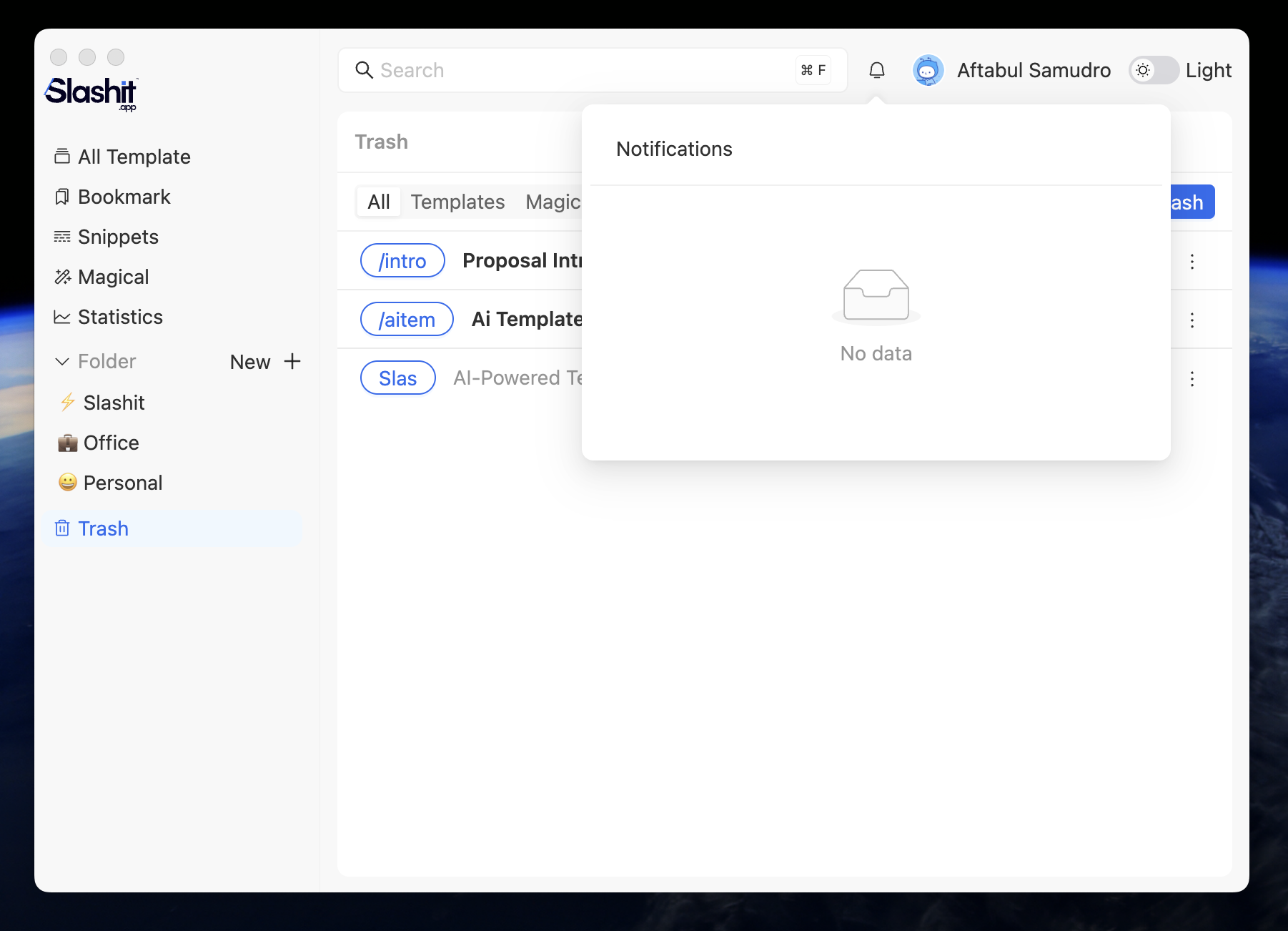
What Kind of Notifications You’ll Receive:
-
AI Token Alerts
Example: If you’re a Premium user and run out of tokens, you’ll be notified immediately.
“You’ve used all your AI tokens. New tokens will be added in your next billing cycle.” -
Product Updates
Example:
“New version is now live!”“New features unlocked in Templates.”
-
System Alerts
Example:
“You’ve successfully invited a friend! Your referral bonus has been added.”
Notifications are always product-relevant and actionable—no spam, just updates that matter.
Why These Tools Matter:
-
The Trash Panel gives you flexibility and confidence when managing your content.
-
The Notification Panel ensures you’re always informed about important changes and updates.
 Powered by ProductLift